
Ozwin casino login: access your account and troubleshoot sign-in
Use the Ozwin casino login to access an existing account. Select Log In rather than Sign Up; if you cannot get in, check your details and browser before contacting support. You do not need to register again to resolve a sign-in problem.
Ozwin login and sign-in checks
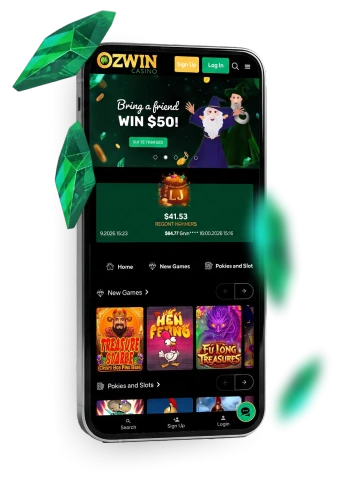
The Ozwin login is for returning players. Our Ozwin casino home page has separate Log In and Sign Up controls: select Log In, then follow the prompts shown for your existing account. Sign Up is for someone creating an account, not a way back into one they already hold.
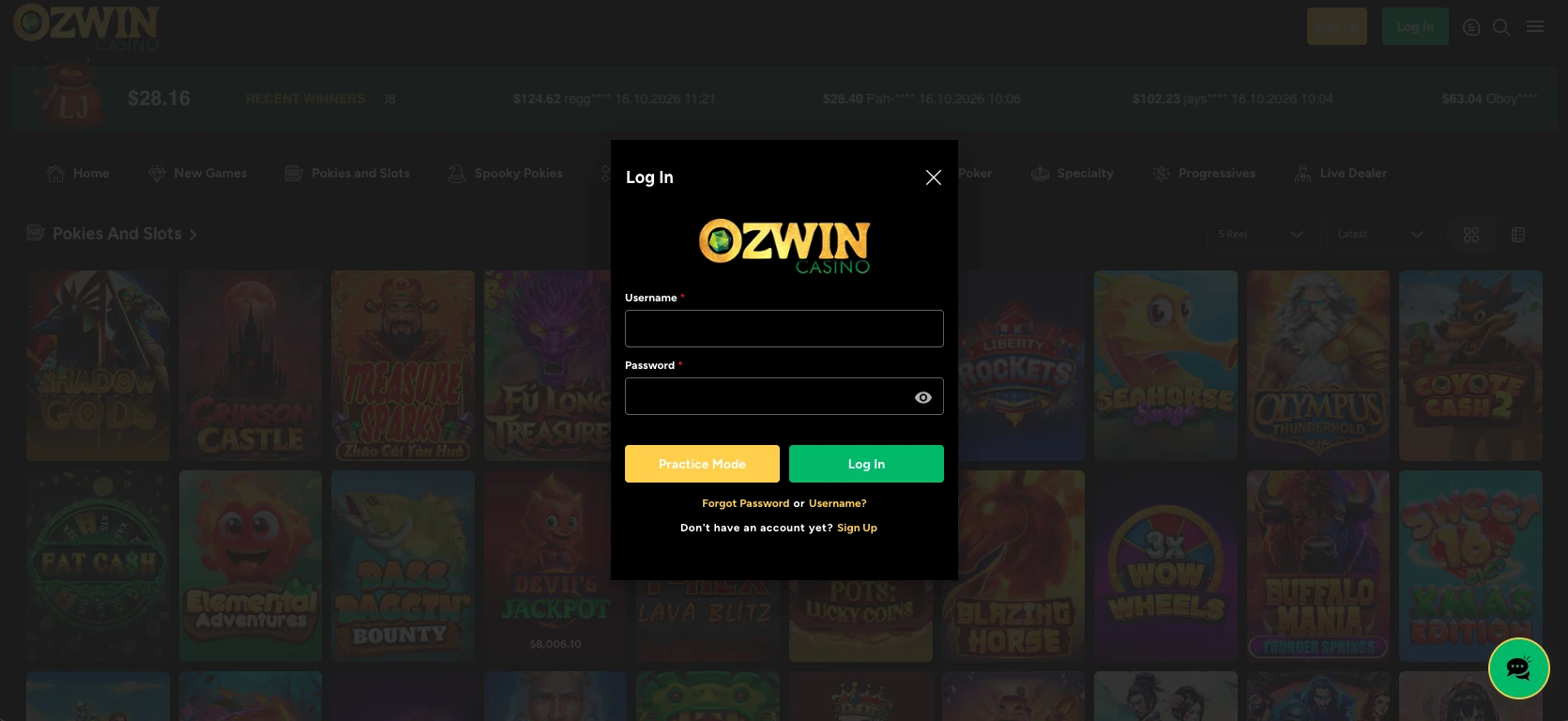
If you cannot sign in, start with these checks:
- Check Caps Lock, your keyboard layout and any unintended spaces in what you entered.
- Review saved or autofilled details. If they are outdated, enter the details associated with your existing account carefully.
- If the page does not load, try reloading it or using another browser. A loading problem is different from having your details rejected.
- If you still cannot get in, contact support through LiveChat or email rather than signing up again.
We offer LiveChat and email support 24/7. The stated email response target is 24–48 hours, so LiveChat may be the more direct channel when you need help with access now. Explain whether the page fails to load or your sign-in attempt is rejected; that distinction gives support a clearer starting point. Do not send your password in a support message.
Once you have access, use Ozwin casino 100 free spins to check the promotions and individual conditions currently listed on our bonus page before relying on an offer. The link label alone does not establish that the offer is available or that you qualify.
Browser and mobile access
Desktop instant play is available through a browser, with Google Chrome recommended for the best experience. Mobile and tablet instant play is available on Android and iOS; we do not offer a casino app. Use the browser route rather than looking for an app download to reach the site.
If the page opens but your details are rejected, return to the account checks above instead of assuming that changing devices will fix your credentials.
Registration and withdrawal verification
New visitors can select Sign Up from the home page and provide personal details such as their name and address. Once registration is completed, the account is ready to use. If you already have an account, return to Log In instead.
Withdrawal verification is a separate check. Documents are required for a first withdrawal, and identity, address, payment or source-of-funds evidence may be requested; a withdrawal can be suspended while verification is pending. Examples include a colour government photo ID and proof of address no older than three months, such as a utility bill, bank statement or card statement. The documents requested can vary by account and deposit method. On desktop, go to Cashier > Withdraw > Account Verification; on mobile, use the menu > Withdraw > Account Verification to upload the requested documents.
FAQ
Can I create another account if I cannot sign in?
No. Our terms provide for one real-money account per player name. Duplicate accounts may be closed or merged, and related winnings may be voided. Use the existing account’s Log In control and contact support if the sign-in checks do not resolve the problem.
What if my sign-in details are rejected after the page loads?
Check saved or autofilled credentials, Caps Lock and keyboard layout. If access still fails, contact LiveChat or email. No specific password-reset route is established here. Do not create another real-money account or send your password.
Can I use an app to sign in on mobile?
Ozwin does not offer a casino app; use the website in a browser on Android or iOS. Desktop instant play recommends Chrome.